
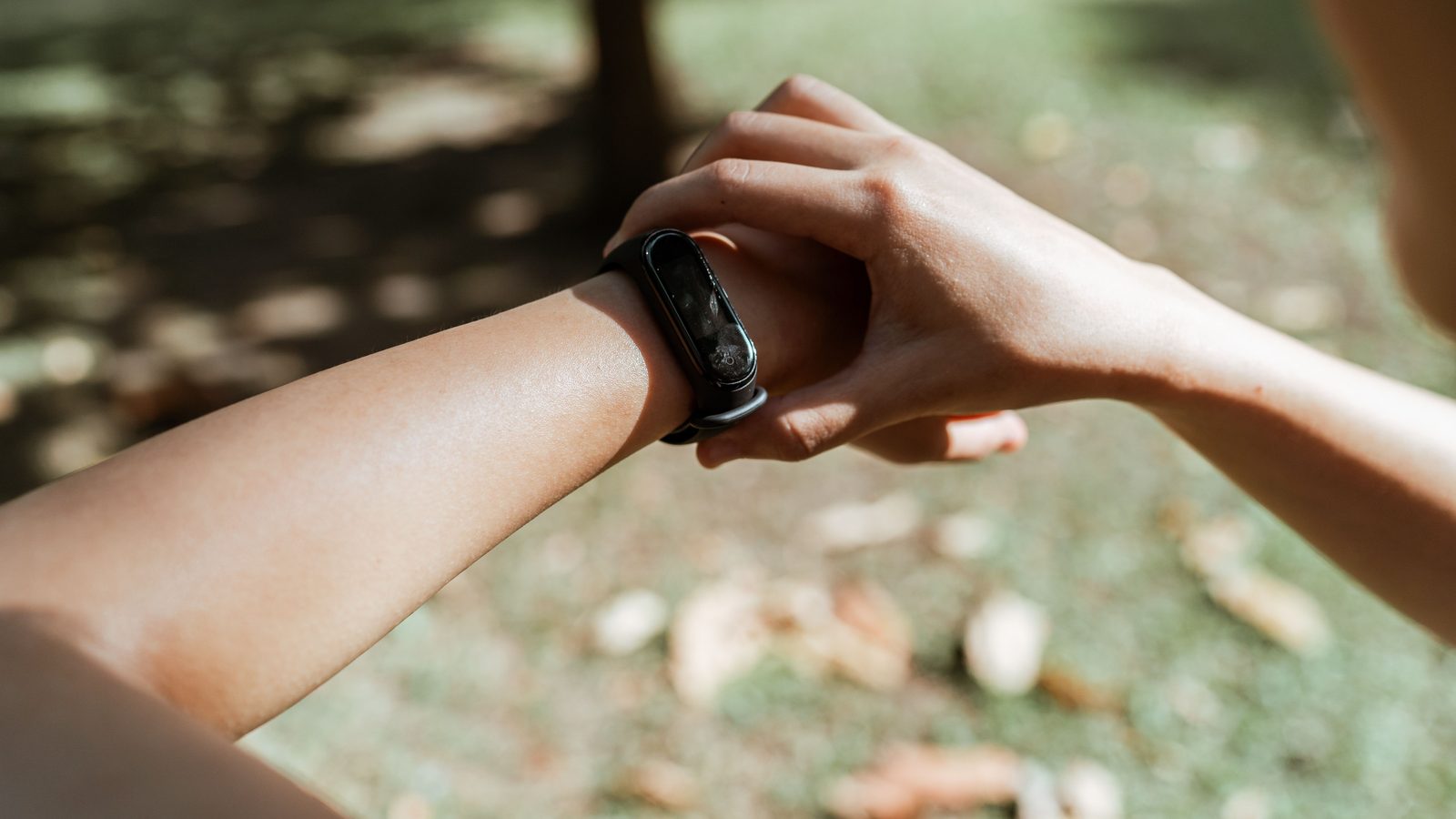
Quick answer: Most smartwatches count steps well enough for daily goals when you walk normally with your arms swinging. They tend to miss steps when your wrist is still (pushing a trolley, holding a railing) and add false steps when your hands move a lot (cooking, bumpy auto rides). To check yours, count 200 steps out loud and compare. Within about 5–10% is fine for tracking trends.
Key takeaways
- Wrist trackers estimate steps from arm movement, not from your feet.
- A quick 200-step count test tells you how far off your watch is.
- Use your watch to track trends week to week, not exact numbers.
- When buying, read reviews that mention step and GPS accuracy, and check the app.
How Smartwatch Step Count Accuracy Works
A smartwatch doesn’t see your feet. It uses a tiny motion sensor called an accelerometer to detect the rhythm of your arm swing, then guesses which movements are steps. That’s why smartwatch step count accuracy depends a lot on how you move your arms.
When you walk normally, the pattern is clear and most watches do a decent job. When your arm is still, or moving in odd ways, the guess gets worse. This is true for budget bands and pricey watches alike, though better software helps.
In this article, you’ll learn:
- A simple 5-minute test for your own watch
- The six everyday things that confuse step counts
- How much error is normal
- How to get more reliable numbers
- What to check before buying a new watch
The 5-Minute Smartwatch Step Count Accuracy Test
Try this today. It takes five minutes and needs no other gear.
- Open the steps screen on your watch and note the number.
- Walk 200 steps at your normal pace, counting out loud or in your head. Swing your arms naturally.
- Check the watch again and subtract the first number.
- Repeat once while carrying a bag or holding your phone in that hand.
| Watch shows (for 200 real steps) | Error | What it means |
|---|---|---|
| 190–210 | Within 5% | Very good for daily use |
| 180–220 | Within 10% | Fine for tracking trends |
| Under 180 or over 220 | More than 10% | Check wear position and settings |
If the second test (hand busy) shows far fewer steps, that’s normal. It tells you how much your watch misses on days you carry shopping or push a trolley.
6 Things That Throw Off Your Step Count
| Situation | Effect | Why |
|---|---|---|
| Pushing a pram, trolley or bike | Fewer steps | Wrist stays still |
| Holding a railing or phone | Fewer steps | No arm swing |
| Cooking, chopping, washing dishes | Extra steps | Rhythmic hand movement |
| Auto or bike rides on bumpy roads | Extra steps | Vibration looks like walking |
| Loose strap | Either way | Watch slides and misreads motion |
| Treadmill while holding handrails | Far fewer steps | Arms are fixed |
A few more tips to improve smartwatch step count accuracy:
- Wear it snug, about one finger above the wrist bone.
- Set the right wrist. Many apps ask whether it’s on your dominant hand. Getting this wrong can change the count.
- Enter correct height and weight. It affects stride length, distance and calories.
- Update the firmware. Brands sometimes improve step detection in updates.
On a treadmill, let go of the handrails if it’s safe to do so. If you need to hold on, trust the treadmill’s distance more than your watch’s step count.
How Much Error Is Normal?
No consumer wearable is perfect. Studies comparing wrist trackers with hand-counted steps generally find they do reasonably well during steady walking and less well at slow speeds or during daily activities. A difference of a few hundred steps on a 10,000-step day is common and nothing to worry about.
What matters more is consistency. If your watch reads 8,000 steps on a typical day and 11,000 on a busy one, that change is meaningful even if both numbers are a bit off. Use the trend, not the exact figure.
The WHO physical activity guidelines don’t set a step target. They focus on minutes of moderate activity, about 150–300 a week. Many people use 7,000–10,000 steps a day as a practical goal. If you use steps for weight loss, our guide on how many steps to lose 1 kg a week puts the numbers in context.
What to Check Before You Buy a New Watch
If you’re shopping in the festive sales, step accuracy is just one piece. Here’s a quick checklist.
| Feature | Why it matters | Rough budget level in India |
|---|---|---|
| Good app with weekly trends | You’ll actually use the data | Most brands, check reviews |
| Built-in GPS | Better distance and pace on outdoor walks and runs | Often ₹5,000 and up |
| Reviews mentioning step accuracy | Real users test it in daily life | Any budget |
| Comfortable strap | Snug fit improves readings | Any budget |
| Battery life | You’ll wear it all day and night | Many budget bands last 7+ days |
Prices above are rough ranges and change often during sales. Read recent reviews from several sources, not only the product page. Our guide to the best smartwatch for gym beginners covers what else to look for.
When to Trust the Phone Instead
Your phone also counts steps, and on some days it may be closer. A phone in your trouser pocket picks up leg movement directly. But most people don’t carry their phone every minute at home, so it misses steps too. For smartwatch step count accuracy over time, consistency wins: pick one device as your main tracker and stick with it, so your trends stay comparable.
Steps Are a Tool, Not the Goal
Step counts are a simple way to see how active you are, but they don’t measure everything. Cycling, swimming, yoga and strength training add few or no steps, yet they count as real exercise. The CDC’s guide to measuring activity focuses on effort and minutes, using the talk test, rather than any single step number.
Smartwatch step count accuracy matters less on these days. So if your watch shows 6,000 steps on a day you also did a 30-minute home dumbbell session, that’s still an active day. Log the workout in the app so your weekly view stays honest.
Frequently Asked Questions About Smartwatch Step Count Accuracy
Q: How accurate are smartwatch step counts?
During normal walking with arm swing, most watches are close enough for daily goals. They’re less accurate during slow walking, pushing things or hand-heavy chores.
Q: Why does my watch count steps when I’m cooking?
Rhythmic hand movement, like chopping or stirring, can look like walking to the motion sensor. Some extra steps are normal.
Q: Is a fitness band less accurate than a smartwatch?
Not always. Both use similar sensors. Software and fit matter more than the price tag.
Q: Which wrist should I wear my smartwatch on?
Either is fine. Tell the app which one you use, and wear it snug above the wrist bone.
The Bottom Line
Smartwatch step count accuracy isn’t perfect, and it doesn’t need to be. Run the 5-minute test, fix the strap and settings, and use your weekly trend to guide your walking. That’s more useful than chasing an exact number.
Save this guide, share it with a friend who checks their steps every hour, and follow FitnessGear.in on WhatsApp for more honest wearable tips.