
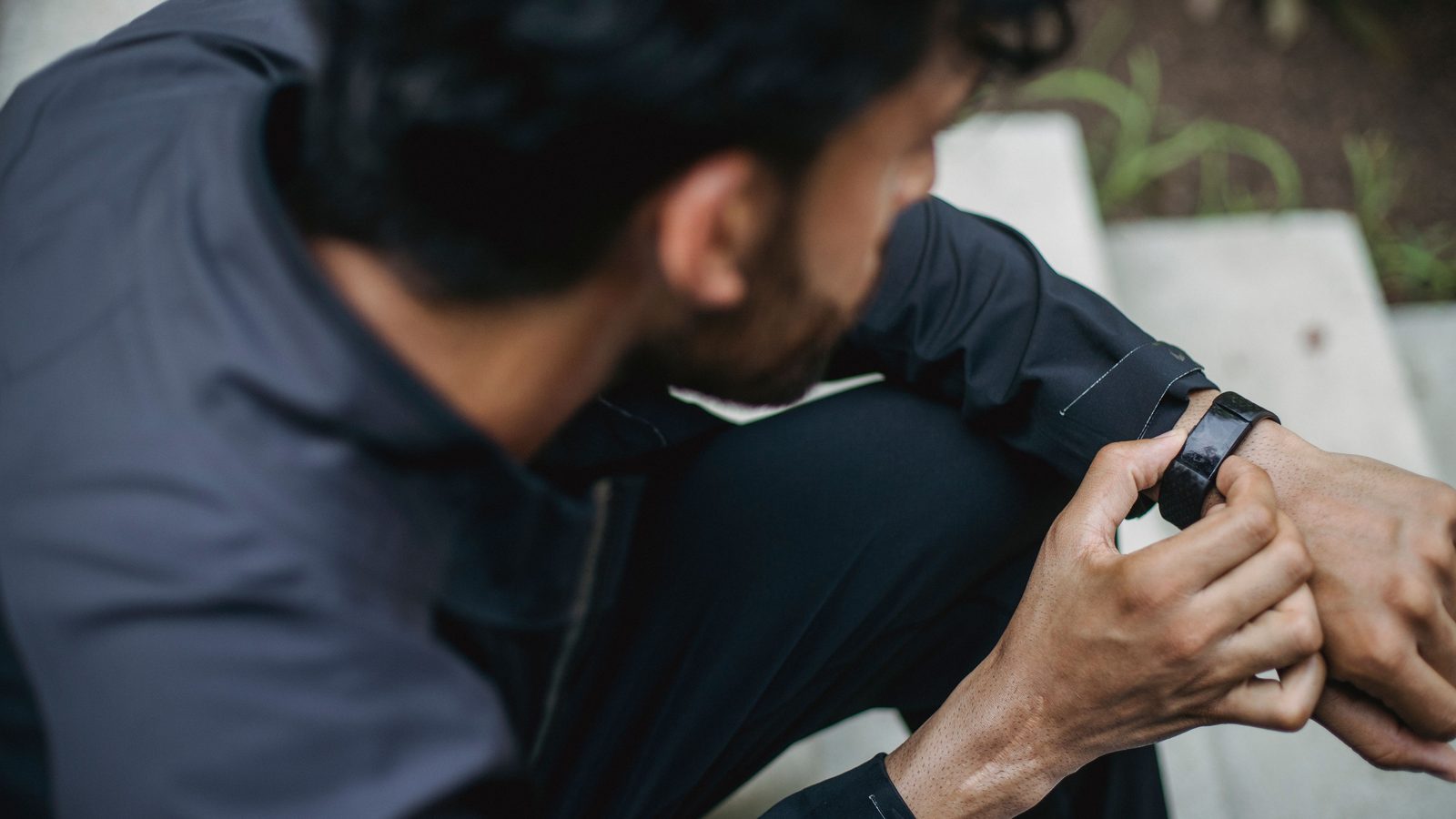
Quick answer: Steps and smartwatch calories don’t match because the watch measures steps fairly directly but only estimates calories from your weight, age, heart rate and movement. Many watches also add your resting calories to the “total”. Use steps and heart rate to track effort, and treat the calorie number as a rough guide, not an exact count.
Key takeaways
- Step counts on most wrist devices are reasonably close. Calories are an estimate.
- A Stanford study found even the best of 7 wrist trackers was off by an average of 27% on calories.
- “Total” calories include what your body burns at rest. “Active” calories don’t.
- Wrong weight, height or age in the app makes the calorie number worse.
Why Smartwatch Calories and Steps Never Line Up
You walk 10,000 steps, check your watch, and it says 350 active calories. Your friend walks the same distance and gets 480. Or your watch says you burned 2,300 calories on a day you mostly sat at a desk. So which number is right?
Steps are counted. Smartwatch calories are guessed. The watch has a motion sensor that picks up the swing of your arm, so counting steps is a fairly direct job. It has no way to measure the energy your body actually uses, so it calculates a number from what it knows about you.
In this article, you’ll learn:
- How your watch counts steps and how it estimates calories
- What research says about smartwatch calories accuracy
- The difference between active and total calories
- Settings to fix so the numbers get closer to reality
- Which number to use for weight loss
How a Watch Counts Steps
Inside your watch is an accelerometer. It senses movement in three directions. Software looks for the repeating pattern your wrist makes when you walk and counts each cycle as a step.
That’s why step counts are usually decent for normal walking. They get worse in a few situations:
- Pushing a shopping trolley or a pram (your arm barely moves)
- Walking with your hands in your pockets
- Riding a bike or a scooter on a bumpy road (extra “steps” sneak in)
- Chopping vegetables, clapping or waving your hands
So a few hundred steps of error in a day is normal. It rarely changes the big picture.
How Smartwatch Calories Are Estimated
For smartwatch calories, the watch combines several inputs:
- Your weight, height, age and sex (from your profile)
- Heart rate from the optical sensor on the back
- How much and how fast you moved
- Sometimes GPS speed during an outdoor walk or run
It feeds these into a formula built from lab data on groups of people. The trouble is that you aren’t the average of a group. Two people of the same weight can burn quite different amounts during the same walk, depending on fitness, muscle mass and how efficiently they move.
What the research found
In 2017, researchers at Stanford tested 7 wrist devices on 60 volunteers. Six of the seven measured heart rate with an error under 5%. None measured energy burned well. The most accurate device was off by an average of 27%, and the least accurate by 93%. You can read the Stanford Medicine summary of the study and the full paper on PubMed Central.
Watches and their software have improved since then. Still, no wrist device can measure calories directly, so treat smartwatch calories as an estimate with a wide margin.
Active vs Total Calories: The Big Mix-Up
This one confuses almost everyone. Many watches and apps show two numbers.
| Number on your watch | What it includes | Typical use |
|---|---|---|
| Active calories (Move, Activity) | Extra calories from movement and exercise | Tracking daily effort |
| Total calories | Active calories plus what your body burns at rest | Rough daily energy estimate |
| Steps | Counted arm-swing cycles | Tracking how much you walk |
| Heart rate | Optical sensor reading | Tracking workout intensity |
Your body burns a fair amount of energy just to keep you alive: breathing, heartbeat, digestion, keeping warm. This resting part makes up a big chunk of the day’s total. So when your watch says 2,300 calories on a lazy day, most of that is resting energy, not the 4,000 steps you took.
If you compare your smartwatch calories with a friend’s, check that you’re both looking at the same number. Comparing your active figure with their total figure will never make sense.
Rough Steps-to-Calories Guide
As a very rough rule, walking burns somewhere around 30 to 50 calories per 1,000 steps for many adults. Heavier people and faster walkers burn more. Lighter people and slow strollers burn less. Hills and stairs push the number up.
| Steps | Rough active calories (60 kg person) | Rough active calories (85 kg person) |
|---|---|---|
| 5,000 | 150–200 | 200–280 |
| 10,000 | 300–400 | 400–550 |
| 15,000 | 450–600 | 600–800 |
These are ballpark ranges, not measurements. Your watch may show something different, and that’s fine. The trend over weeks matters more than any single day.
6 Settings to Fix for Better Smartwatch Calories
You can’t make an estimate perfect, but you can stop it from being badly wrong.
- Update your weight. Many people set it once and forget. If you’ve lost 5 kg, your watch is still guessing for the old you.
- Check height, age and sex. These change the resting calorie part.
- Pick the right wrist. Most apps ask whether you wear the watch on your dominant hand. It changes how steps are counted.
- Wear it snug. A loose strap gives a poor heart rate reading, which spoils the calorie estimate. Wear it a finger’s width above the wrist bone.
- Start a workout mode for exercise. Choosing “outdoor walk” or “treadmill” lets the watch use more sensors than background tracking.
- Calibrate stride if the app allows. Some brands let you walk a known distance with GPS to set your stride length.
If you’re still deciding which watch to buy, see our guide on fitness tracker vs smartwatch for what each type does well.
Which Number Should You Use for Weight Loss?
Use smartwatch calories for comparison, not as a food budget. A common mistake is to “eat back” every calorie the watch shows. If the number is 30% too high, you end up eating more than you burned and wondering why the scale won’t move.
A safer approach:
- Track steps and active minutes. These are the most reliable numbers on your wrist. The WHO recommends at least 150–300 minutes of moderate activity a week for adults.
- Watch the weekly trend. Did your average steps go up? Did your resting heart rate drop over a month? That’s progress.
- Let the scale and your waist be the judge. If your weight is steady after 3–4 weeks, adjust food or activity a little.
- Don’t chase a calorie target on the watch. Chase consistency instead.
If you walk a lot and still aren’t losing weight, this guide on why you’re not losing weight walking 10,000 steps covers the usual reasons.
Frequently Asked Questions About Smartwatch Calories
Q: Are smartwatch calories accurate?
They’re a rough estimate. Research on wrist trackers has found average errors of 27% or more for calories, even when heart rate was accurate. Use them to compare days, not as an exact count.
Q: Why does my watch show calories when I haven’t moved?
That’s your resting energy. Your body burns calories all day to breathe, pump blood and digest food. The “total” number includes this. Check the “active” number for movement only.
Q: Why do two watches show different calories for the same walk?
Each brand uses its own formula and sensors. Small differences in heart rate reading, profile data and arm movement add up. Neither is “the true” number.
Q: Should I trust steps or calories more?
Steps. For normal walking, step counts are usually close. Smartwatch calories depend on more guesses, so they carry more error.
The Bottom Line
Steps and smartwatch calories measure different things in different ways, so they’ll rarely agree. Trust steps and heart rate for daily effort, keep your profile updated, and judge weight loss by the scale and your waist over weeks. The calorie number is a helpful nudge, nothing more.
Save this post for the next time your watch confuses you, share it with a friend who keeps arguing over calorie numbers, and follow FitnessGear.in on WhatsApp for more no-nonsense wearable guides.
1 thought on “Smartwatch Calories vs Steps: Why the Numbers Don’t Match”
Comments are closed.