
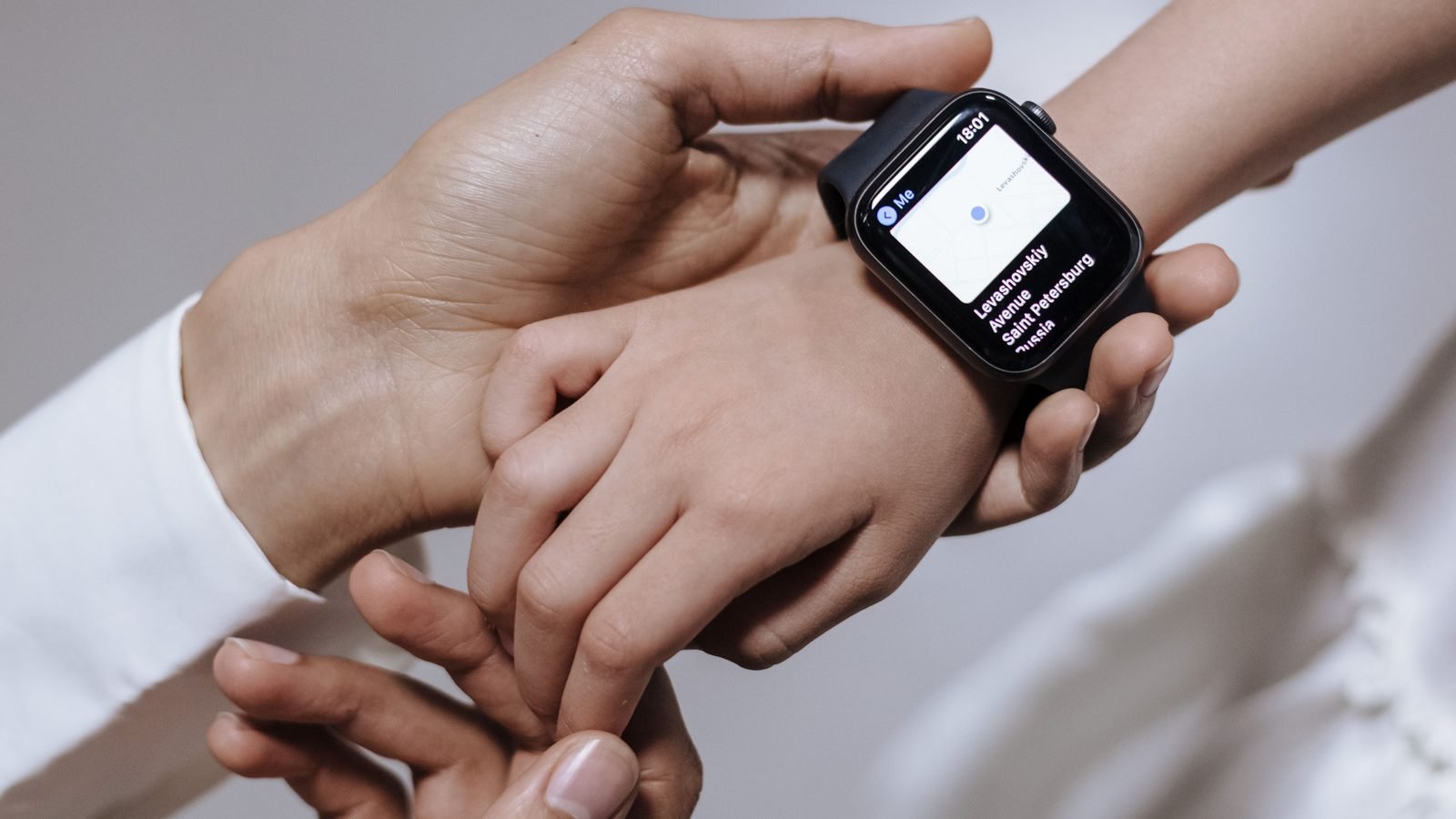
Quick answer: A smartwatch for kids is worth it mainly for safety and contact, so judge it on calling, an SOS button, approved-contacts-only settings, how often the location updates, battery life and the parent app’s privacy. Camera megapixels, games, watch faces and calorie counts matter far less. Know whether you need a 4G SIM watch (roughly ₹5,000 to ₹8,000 for boAt’s current models, plus a monthly mobile plan) or just a basic activity band, and ignore big “MRP” discounts.
Key takeaways
- Decide the job first: staying in touch (4G SIM watch) or moving more (simple band).
- “Live” location may update only every few minutes. Check the interval before you rely on it.
- Approved contacts, an SOS button and a school mode matter more than the camera.
- Read what data the parent app collects. Your child’s location is sensitive data.
A smartwatch for kids shows up on a lot of gift lists this season, and in plenty of school gate chats. Most listings shout about cameras, games and 70% off. The features that really decide whether the watch is useful are usually lower down the page.
In this article, you’ll learn:
- The two kinds of kids’ watches and which one your child needs
- The features that matter, and how to check them on a product page
- The features you can ignore
- What prices look like on an official store right now
- Privacy and screen time questions to settle before you buy
First, Pick the Job: Contact or Activity?
There are two quite different products sold as a smartwatch for kids.
4G SIM watches take their own SIM card. Your child can call approved contacts, send voice notes, press SOS, and you can see their location in an app, without a phone nearby. These cost more and need a monthly mobile plan.
Activity bands and basic watches have no SIM. They count steps, show the time, maybe set reminders. They’re cheaper and simpler, and they’re fine if the goal is just to get a child moving or tell the time at school.
If your child walks to tuition, takes a school bus or plays downstairs unsupervised, a 4G watch may make sense. If they’re always with an adult, it’s probably more gadget than they need.
What Really Matters in a Smartwatch for Kids
1. Calling and approved contacts
The point of a 4G watch is reaching your child, and your child reaching you. Look for a setting that lets only approved contacts call the watch. boAt’s Sailor Nav page lists “Restrict Unknown Calls” so only approved contacts can communicate. If a listing doesn’t mention this, ask before you buy.
Also check the SIM type and network support. A 4G watch needs a compatible 4G SIM, and it only works where that network has signal. Ask the seller whether your operator works with it.
2. SOS that actually reaches you
An SOS button should alert a set list of contacts with the child’s location. Test it on day one at home. Make sure your number is first, and that a second adult is on the list in case you miss the call.
3. How “live” the location really is
This is the one most parents miss. boAt’s Wanderer page says plainly that location “is updated every 5 minutes”. Five minutes is fine for checking your child reached school. It’s not a live dot on a map. Read the small print on whichever watch you’re looking at, and don’t treat the map as real time unless the brand says it is.
Geo-fencing, where you get an alert when the child leaves a set zone like home or school, is useful on top of that.
4. Battery life
A watch that dies at 2 pm is no safety net. boAt lists the Sailor Nav at up to 3 days, but calls, video and constant location checks drain any battery faster. Plan on charging it every night and check it reaches your child’s whole day.
5. School mode
Many kids’ watches have a mode that locks the watch during class hours. boAt calls it “Class Forbidden” on the Wanderer. Check your school’s rules too. Some don’t allow SIM watches at all.
6. Fit, strap and splash protection
Kids wear these all day and through sport. A soft, light strap that fits small wrists matters. Keep the strap clean and dry, since sweat and soap trapped under a band can irritate skin. Our post on smartwatch strap rash covers what helps.
Check the water rating as well. The Sailor Nav lists IP67 for dust, sweat and splash. That’s fine for rain and hand washing, but don’t let them swim in it unless the brand says it’s swim proof.
What Doesn’t Matter Much
| Feature | Why it matters less |
|---|---|
| Camera megapixels | A 2 MP camera is fine for video calls with family. Kids don’t need better photos from a watch |
| Games and watch faces | They add screen time and drain battery |
| Calories, SpO2 and fitness scores | Kids don’t need these numbers. Steps and active minutes are enough |
| Big screen | A larger screen means a bulkier watch on a small wrist and a shorter battery |
| Huge MRP discounts | MRPs on kids’ watches can be far above the selling price. Compare selling prices, not “% off” |
That last row is worth a closer look. On 19 Nov 2026, boAt’s own store showed the Wanderer at ₹5,999 against an MRP of ₹15,999 (“63% off”), and marked it “Restocking Soon”. The Sailor Nav showed ₹5,999 against an MRP of ₹7,999, with a coupon offer bringing it lower. Both are 4G, GPS and video calling watches at the same selling price. The discount percentage tells you nothing about which is better value.
Price Check: What a 4G Smartwatch for Kids Costs
| Model (official store, as of 19 Nov 2026) | Selling price | Key specs listed |
|---|---|---|
| boAt Sailor Nav | about ₹6,000 (MRP ₹7,999) | 4G SIM, GPS, voice and video calls, SOS, geo-fencing, IP67, up to 3 days battery |
| boAt Wanderer | about ₹6,000 (MRP ₹15,999), restocking | 4G SIM, GPS (updates every 5 minutes), video calls, SOS, school mode |
Prices change often, especially around sales. Treat ₹5,000 to ₹8,000 as the rough band for a branded 4G kids’ watch right now, and add the cost of a monthly mobile plan. A basic band without SIM costs less, but it can’t make calls or share location.
Privacy: Read the App Before You Buy
A 4G smartwatch for kids shares your child’s location, voice messages and contacts with an app and the brand’s servers. Some watches also offer “voice monitoring”, where a parent can listen in through the watch microphone. Think about how you’d explain that to your child, and whether it fits your family.
India’s data protection rules take children’s data seriously. When the government notified the Digital Personal Data Protection Rules in November 2025, LiveLaw reported that companies must get a parent’s verifiable consent before processing a child’s personal data. As a buyer, a few simple checks help:
- Does the app ask for your consent as a parent during setup?
- Does it explain what location and voice data it stores, and for how long?
- Can you delete the data and the account?
- Is the brand a known company with an Indian service and support address?
If you can’t find answers, choose a different watch.
Will a Smartwatch Make Kids More Active?
It can help a little, but it isn’t the main reason to buy one. The WHO’s physical activity fact sheet says 86% of adolescents aren’t meeting recommended activity levels, and it counts an active day as at least 60 minutes of moderate to vigorous activity.
Outdoor play, cycling, sport and walking to places do more than any step goal. If you do use the watch for activity, keep it simple: track active minutes, celebrate the streak, and skip calorie numbers for kids. A skipping rope is a good cheap add on, and our post on smart skipping ropes compares counter ropes with basic ones.
Frequently Asked Questions About a Smartwatch for Kids
Q: Is a smartwatch for kids worth buying?
It’s worth it if you need to reach your child when they’re away from you, for example on the way to tuition or school. If they’re always with an adult, a simple watch or no watch is usually enough.
Q: Does a kids’ smartwatch need a SIM card?
Calling, SOS alerts and location sharing on watches like the boAt Sailor Nav need a compatible 4G SIM. Without one, the watch works more like a basic band.
Q: Is the GPS tracking on kids’ watches real time?
Not always. boAt’s Wanderer page says its location updates every 5 minutes. Check the update interval for any watch before you rely on it.
Q: What is the best age for a smartwatch for kids?
There’s no fixed age. It depends on how independently your child moves around, whether their school allows it, and whether they can look after a device. Start with calling and SOS, not apps and games.
The Bottom Line
A smartwatch for kids is a safety and contact tool first. Check approved contacts, SOS, the location update interval, battery and the app’s privacy before anything else. Ignore cameras, games and inflated MRPs, and set up the watch together with your child so they know exactly what it does.
Save this checklist before the next sale, share it with other parents on the school WhatsApp group, and follow our WhatsApp channel for honest wearables advice.