
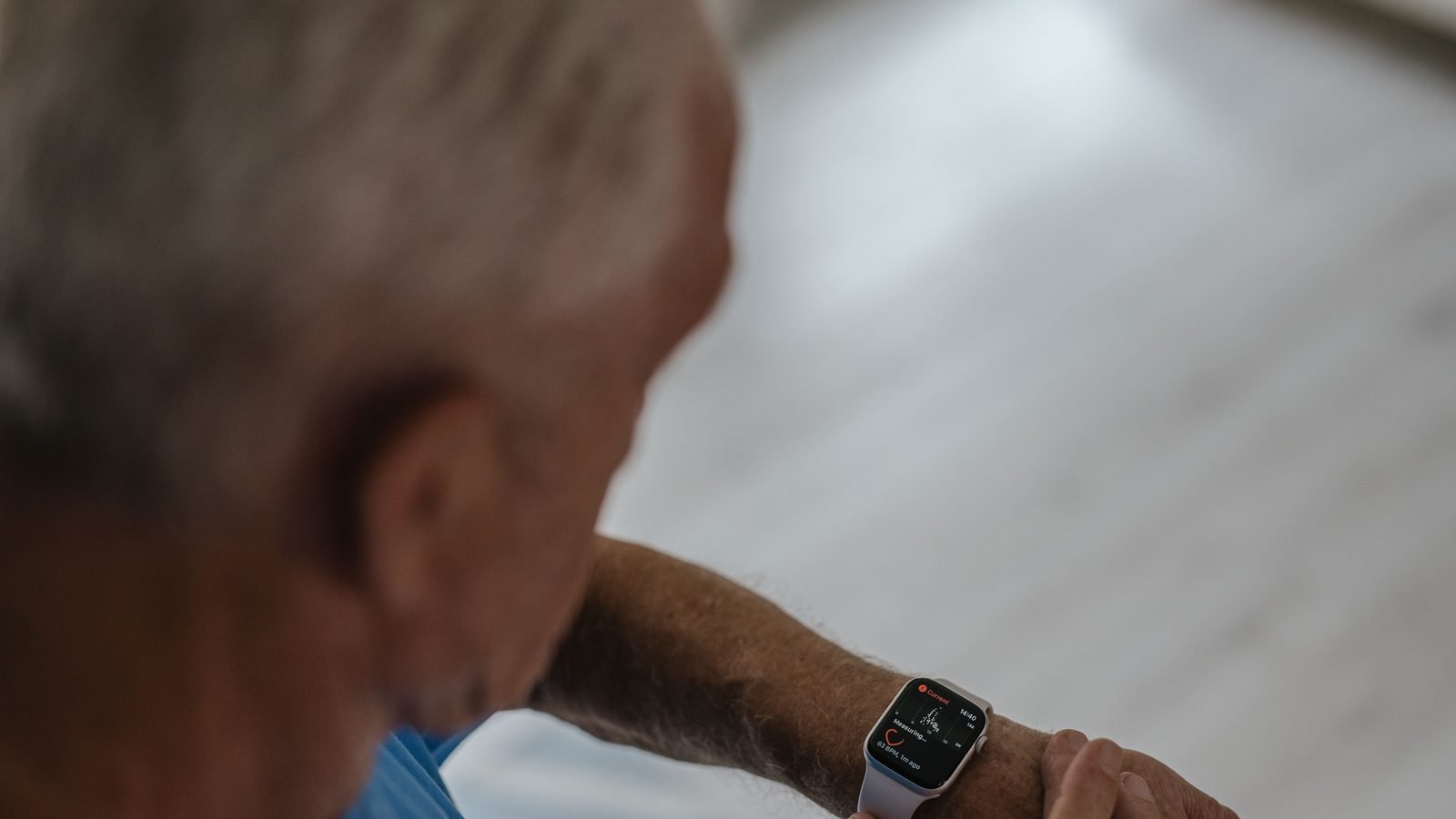
Quick answer: Apple Watch hypertension notifications have worked in India since 3 December 2025. The watch reads its optical heart sensor in the background, reviews 30 days of data, and alerts you if it sees a steady pattern that suggests high blood pressure. It doesn’t measure your BP and it can miss cases. If you get an alert, measure your blood pressure with a regular arm cuff for 7 days and take the numbers to your doctor.
Key takeaways
- It works on Apple Watch Series 9 or later and Ultra 2 or later. It isn’t available on any Apple Watch SE.
- You need to be 22 or older, not pregnant, and never diagnosed with hypertension.
- An alert means “check your BP properly”, not “you have hypertension”.
- No alert doesn’t mean your BP is fine. Apple says plainly that not everyone with hypertension will get one.
In this article, you’ll learn:
- How the Apple Watch hypertension check works
- Which watches and settings you need in India
- A simple 7-day plan after an alert
- Why a quiet watch is not a clean report
- Who should check their BP anyway
What Apple Launched in India
Apple’s India newsroom post says hypertension notifications went live for Apple Watch users here on 3 December 2025. Apple says it built the feature with machine learning trained on studies with more than 100,000 participants, then tested it in a clinical study of over 2,000 people. It expects to alert more than a million people with undiagnosed hypertension in the first year, worldwide.
Why should you care? High blood pressure is very common in India and mostly silent. The ICMR-INDIAB national study, published in The Lancet Diabetes & Endocrinology in 2023, found high BP in about 35.5% of the adults it surveyed. Plenty of them had no symptoms at all.
Apple’s post quotes Prof Dorairaj Prabhakaran of the Centre for Chronic Disease Control, who calls hypertension “one of the most widespread yet under-diagnosed health conditions.”
How the Apple Watch Hypertension Check Works
Here’s the part most people get wrong. Your watch does not take a blood pressure reading. There’s no cuff, no number like 130/85 on the screen.
According to Apple’s support page, the watch uses data from the optical heart sensor (the green lights on the back) to look at how your blood vessels respond to each heartbeat. It runs quietly in the background. Every 30 days, counted from the day you switch the feature on, it checks whether the pattern looks like hypertension. If it does, you get a notification.
So the first Apple Watch hypertension alert can only come after at least a month of wear. Turning it on today and expecting an answer tomorrow won’t work.
That’s also why it’s different from the “BP” readings some cheaper watches show. We looked at those in our guide to smartwatch blood pressure accuracy. Apple’s feature doesn’t try to give you a number at all. It only flags a pattern.
Which Watches and Settings You Need
| What | Requirement (per Apple support) |
|---|---|
| Watch | Series 9 or later, or Ultra 2 or later, on the latest watchOS |
| Not supported | Any Apple Watch SE |
| iPhone | iPhone 11 or later on the latest iOS |
| Setting | Wrist Detection turned on |
| Age | 22 or older |
| Not for | People who are pregnant or already diagnosed with hypertension |
| How often it checks | Every 30 days from setup |
To turn it on, open the Health app on your iPhone, tap your profile picture, go to Health Checklist under Features, and tap Hypertension Notifications. You’ll confirm your age and whether you’ve ever been told you have high BP, then go through a few screens explaining how it works.
One small catch. Apple’s support page says the feature may not yet be available on its newest models (Series 12 and Ultra 4) in some regions while regulatory clearance is pending. If you’ve just bought one and don’t see the option in Health Checklist, that’s likely why.
Got an Alert? Your 7-Day Plan
An Apple Watch hypertension alert means the watch saw signs in your heart data from the last 30 days. It’s a reason to measure properly. It’s not a diagnosis, and you don’t need to rush to the emergency room over it. (Chest pain, pressure or tightness is a different story: Apple’s page says to call emergency services straight away, and the watch can’t detect heart attacks.)
Apple says the Health app will prompt you to start a Blood Pressure Log and to measure with a regular cuff for seven days. Here’s a calm way to do it.
- Get a validated upper-arm monitor. A basic automatic arm-cuff monitor usually costs around ₹1,500 to ₹3,500 in India.
- Measure twice a day. Once in the morning before tea or exercise, and once in the evening. The log can send you reminders.
- Do it the same way each time. Sit for five minutes first, feet flat, back supported, arm resting at heart level. Don’t talk during the reading.
- Enter every reading. Even the annoying high one after a stressful call. Your doctor wants the honest picture.
- Take the log to a doctor. A general physician can read seven days of home numbers and decide if you need more checks, a clinic reading or treatment.
Our guide on how to check blood pressure at home properly goes through cuff size and posture in more detail.
What counts as high at home? The NHS guide to blood pressure tests says home readings of 135/85 or above usually count as high. Clinic readings use a higher cut-off of 140/90. If most of your week sits at or above 135/85, book that appointment.
Why No Alert Doesn’t Mean Your BP Is Fine
This is the bit worth repeating. Apple’s support page says “not all people with hypertension will receive a notification.” The feature is built to catch a consistent pattern over weeks. Plenty of people with raised BP will never see an alert.
Apple also says the feature isn’t meant to diagnose, treat or manage hypertension. It doesn’t check for stroke, blood clots, atrial fibrillation, heart failure or high cholesterol either.
So treat a silent watch like a smoke detector with weak batteries. Nice when it beeps. Not proof the kitchen is safe when it doesn’t. If you’re over 30 and haven’t had your BP checked in the last year, get it done at a clinic or a pharmacy that offers checks. It takes two minutes.
If your watch is also showing a resting heart rate that keeps rising, mention that to your doctor too. It’s another clue, not an answer.
Who Should Check Their BP Anyway, Apple Watch or Not
Don’t wait for an Apple Watch hypertension alert if any of these sound like you:
- Someone in your family has high BP, diabetes or heart disease
- You carry extra weight around your middle
- You add a lot of salt, pickles or papad to meals
- You rarely exercise
- You smoke or drink regularly
- You get frequent headaches or feel your heart pounding
None of these mean you have hypertension. They do mean a proper cuff reading is worth more to you than a watch notification.
What You Can Start Doing This Week
If your readings come back high, your doctor will guide treatment. The everyday changes that usually come up are simple, even if they’re not easy:
- Walk most days. 30 minutes at a brisk pace adds up over a week.
- Cut back on salt. Go easy on pickles, namkeen, papad and packaged snacks, where a lot of it hides.
- Watch the drinks. Alcohol can push BP up.
- Sleep properly. If you snore loudly and wake up tired, ask your doctor about sleep apnea too, which is linked with high BP.
And keep wearing the watch. Its job is to nudge you. Yours is to follow up with a cuff and a doctor.
Frequently Asked Questions About Apple Watch Hypertension
Does the Apple Watch hypertension feature work in India?
Yes. Apple made hypertension notifications available in India on 3 December 2025, according to its India newsroom.
Does the Apple Watch measure blood pressure?
No. It reads optical heart sensor data and looks for a pattern linked with hypertension over 30 days. To get actual numbers, you need a blood pressure cuff.
Can I use it if I’m already on BP medicine?
The feature isn’t meant for people already diagnosed with hypertension. If you’re on treatment, a home cuff and your doctor’s plan are the right tools.
I got an alert, but my cuff readings look normal. What now?
Finish the 7-day log and show it to your doctor anyway. They may want a clinic check or a longer log before deciding anything.
One Alert, One Week, One Doctor Visit
The Apple Watch hypertension feature is useful because it gets people to measure BP who otherwise never would. Use it that way. If it pings, log a week of cuff readings and see a doctor. If it stays quiet, still get your BP checked once a year.
Found this useful? Save it, share it with a family member who wears an Apple Watch, and follow our WhatsApp channel for more plain-English wearable guides.
This article is for general information and isn’t medical advice.