
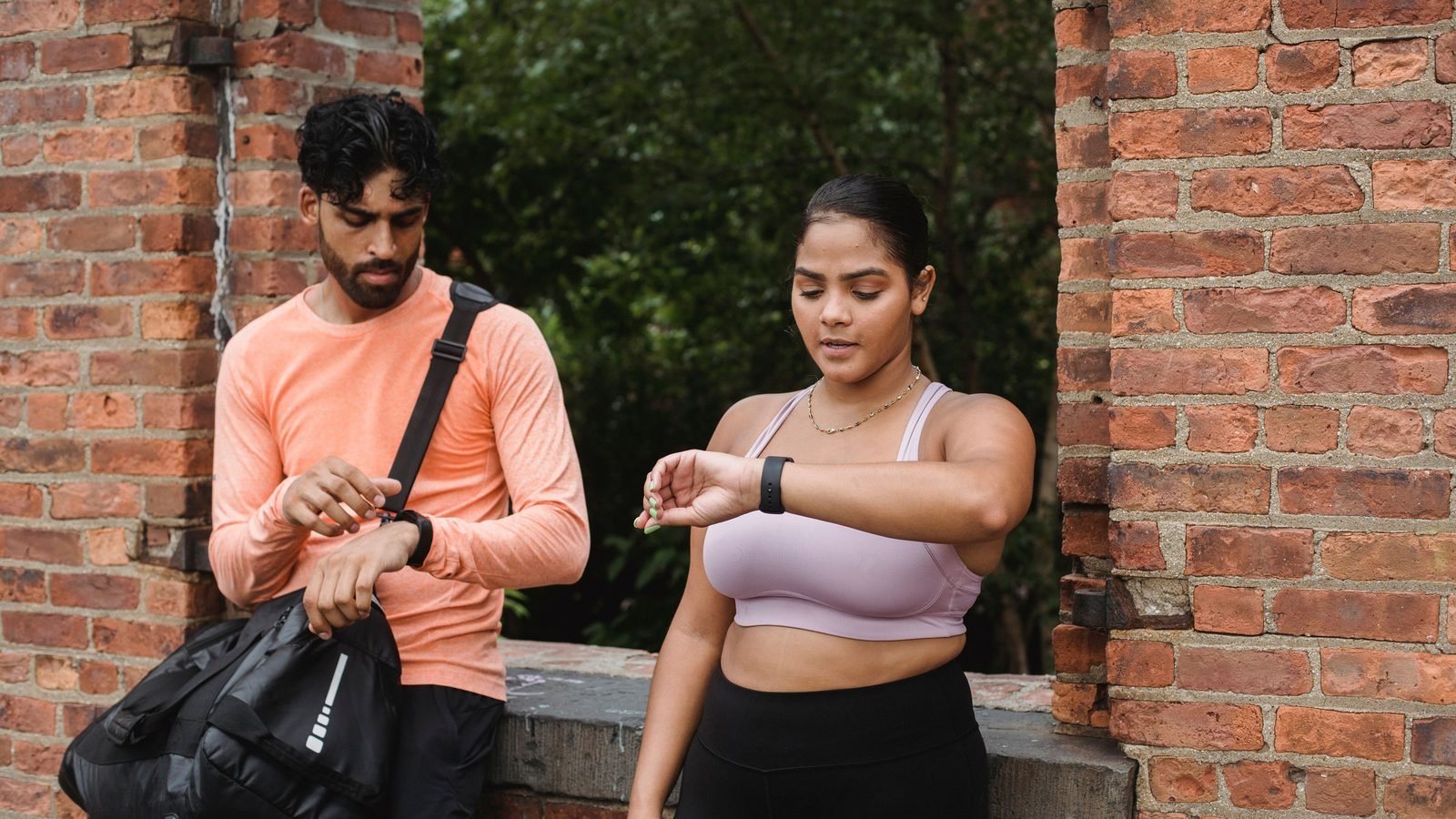
Quick answer: Most smartwatches only log a walk as a workout once you’ve moved steadily for about 10 minutes, and only if workout detection is switched on for walking. Samsung’s support page says you need 10 minutes, Garmin’s Move IQ looks for at least 10 minutes, and some Google Fitbit and Pixel watches use 10 to 20 minutes depending on the activity. Short, stop-start walks often count as steps but never become a workout. Turn detection on, check the alert setting, lower the minimum time if your watch allows it, or just press Start.
Key takeaways
- Your steps still count even when the watch doesn’t log a workout.
- Detection usually needs about 10 minutes of steady movement, so stop-start walks get missed.
- On some watches, start reminders are off by default, or detected walks don’t land in your workout list.
- For a walk you care about, starting the workout yourself is still the most reliable option.
You walked for 25 minutes after dinner. Your step count went up, but your watch never asked “Are you walking?” and there’s no workout in the app. It’s one of the most common smartwatch complaints. In most cases nothing is broken. Workout detection has rules, and a typical Indian evening walk, with stops at the sabziwala and a chat with a neighbour, often doesn’t meet them.
In this article, you’ll learn:
- How workout detection decides you’re walking
- Why short and stop-start walks get missed
- The exact settings to check on Apple, Samsung, Fitbit/Pixel and Garmin
- What a missed walk costs you (usually less than you think)
- When to stop relying on auto-detect
How Workout Detection Works
Your watch reads the motion of your wrist, and some models use other sensors too. When it sees a steady pattern that looks like walking for long enough, it either asks you to start a workout or logs one in the background.
Two words matter there: steady and long enough. Pauses reset the pattern. Carrying shopping bags or pushing a pram can hide the arm swing. And every brand sets its own minimum time.
Workout Detection Settings by Brand
Here’s what each brand’s own support pages say. Menus change with software updates and vary by model, so treat the paths as a guide.
| Brand | Minimum time | What happens | Where to check |
|---|---|---|---|
| Apple Watch | Not stated by Apple | Watch alerts you to start a workout and gives credit for exercise already done | Watch: Settings > Workout. iPhone: Watch app > My Watch > Workout |
| Samsung Galaxy Watch | 10 minutes | Detects walking/running and other activities you switch on | Watch: Samsung Health > Settings > Workout detection or Activities to detect |
| Google Fitbit / Pixel Watch | 10 to 20 min (Fitbit), 10 to 15 min (Pixel Watch 3–5), adjustable | Logs activities; some Fitbits ask you to confirm within 30 minutes | Google Health app: Settings > Activity > Activity detection |
| Garmin (Move IQ) | At least 10 minutes | Shows on your Garmin Connect timeline, not in your activities list | Garmin Connect app, device activity tracking settings |
Apple Watch
Apple’s Workout settings guide says the watch “senses when you’re moving and alerts you to start the Workout app”, and gives you credit for the exercise you’ve already done. It also reminds you to end a workout you forgot to stop. Workout reminders are on by default, so if you’re not getting them, someone may have turned them off. Check Start Workout under Settings > Workout on the watch, or in the Watch app on your iPhone.
Apple’s guide doesn’t give a fixed minimum time, so a short walk may or may not trigger the alert.
Samsung Galaxy Watch
Samsung’s automatic workout detection page is the clearest: you must work out for 10 minutes before detection kicks in. On Wear OS Galaxy Watches, open Samsung Health, go to Settings, tap Workout detection (or Activities to detect), switch it on, make sure Alerts is on, and pick Walking/Running. On a Galaxy Fit band, the setting is in the Galaxy Wearable app on your phone.
Google Fitbit and Pixel Watch
Google’s activity detection help page says most activities need 10 to 20 minutes on Fitbit Edge and Air, and 10 to 15 minutes on Pixel Watch 3, 4 and 5. You can change the minimum time per activity in the Google Health app under Settings > Activity. On the Charge 6, Inspire 3, Sense 2 and Versa 4, you can turn on Auto-start in the Exercise app so the device asks whether to track, and you get 30 minutes to confirm.
Two gotchas from the same page: start workout reminders on Pixel Watch are off by default, and GPS is off by default for the Walk option on several Fitbit models. If your distance looks wrong, that’s often why.
Garmin
Garmin’s Move IQ page says it picks up walking, running, cycling, swimming and elliptical sessions that last at least 10 minutes. The catch is where they show up: on your Garmin Connect timeline, not in your activities list. Plenty of people think their watch missed the walk when it’s sitting on the timeline. Some Garmin models also have an auto activity start setting that saves walks as real activities, so check your watch’s manual.
Budget watches
Many budget watches sold in India also list auto-detect for walking or running. Settings differ by brand and app, so look in the companion app under workout or sports settings, and check whether there’s a minimum time. If the listing doesn’t mention auto-detection at all, assume you’ll need to start walks yourself.
Why Workout Detection Missed Your Walk
If the settings are right and the watch still missed it, one of these is usually the reason:
- The walk was too short. A 7 minute walk to the shop won’t trigger a 10 minute rule.
- Too many stops. Signals, gates, a chat at the corner. Each pause can break the steady pattern.
- Your arm wasn’t swinging. Holding a phone, an umbrella, a child’s hand or shopping bags hides the movement.
- Walking was switched off. Some watches let you choose which activities to detect, and walking isn’t always on.
- Alerts are off. The watch may detect the walk but never ask you.
- You looked in the wrong place. Garmin’s Move IQ events go to the timeline. Some apps show auto-detected workouts in a different place from ones you started.
- Power saving mode. Battery saver modes can limit tracking features on some watches. Check what yours switches off.
Does a Missed Walk Even Matter?
Less than it feels like. Your steps are still counted, and that’s what most people track for fat loss. Our post on steps to lose 1 kg a week shows how far steps alone can take you.
What you lose is the workout record: the route, pace, heart rate graph, and on some watches the full credit toward weekly exercise goals. If your walk is part of a plan, say a brisk 30 minutes after dinner, you’ll want those details. If you’re just moving around the house, the step count is enough.
If your step count itself looks off, test it with our 5 minute step count check.
When to Stop Relying on Workout Detection
Auto-detect is a safety net, not a coach. Start the workout yourself when:
- You’re doing a planned brisk walk or a treadmill session
- You want accurate distance, which may need GPS switched on
- You walk with lots of stops, like a market round
- You’re tracking a specific goal, such as walking after meals for blood sugar
It takes two taps. Many watches let you put Walk on a shortcut or tile so it’s one tap from the watch face.
Frequently Asked Questions About Workout Detection
Q: Why didn’t my smartwatch detect my walk?
Usually because the walk was shorter than the watch’s minimum time (often about 10 minutes), had too many stops, or walking detection or alerts were switched off.
Q: Can I make workout detection pick up shorter walks?
On some watches, yes. Google’s Fitbit and Pixel Watch let you change the minimum duration per activity. Samsung’s support page gives a fixed 10 minutes. For short walks, starting the workout yourself is simpler.
Q: Do my steps count if the watch doesn’t detect a workout?
Yes. Step counting runs all day. Workout detection only decides whether the walk also gets saved as a separate workout.
Q: Where do auto-detected walks show up on Garmin?
Garmin’s Move IQ events appear on the Garmin Connect timeline, not in your activities list. Some models have an auto activity start setting that saves them as activities.
The Bottom Line
If your smartwatch missed your walk, check three things: workout detection is on for walking, alerts are on, and the walk was long and steady enough. Lower the minimum time if your watch allows it. For walks that matter, press Start and don’t leave it to chance.
Save this for the next time a walk goes missing, share it with the family member who keeps asking why their watch “didn’t count”, and follow our WhatsApp channel for more no-nonsense wearable tips.
1 thought on “Smartwatch Missed Your Walk? Workout Detection Settings to Fix”
Comments are closed.