
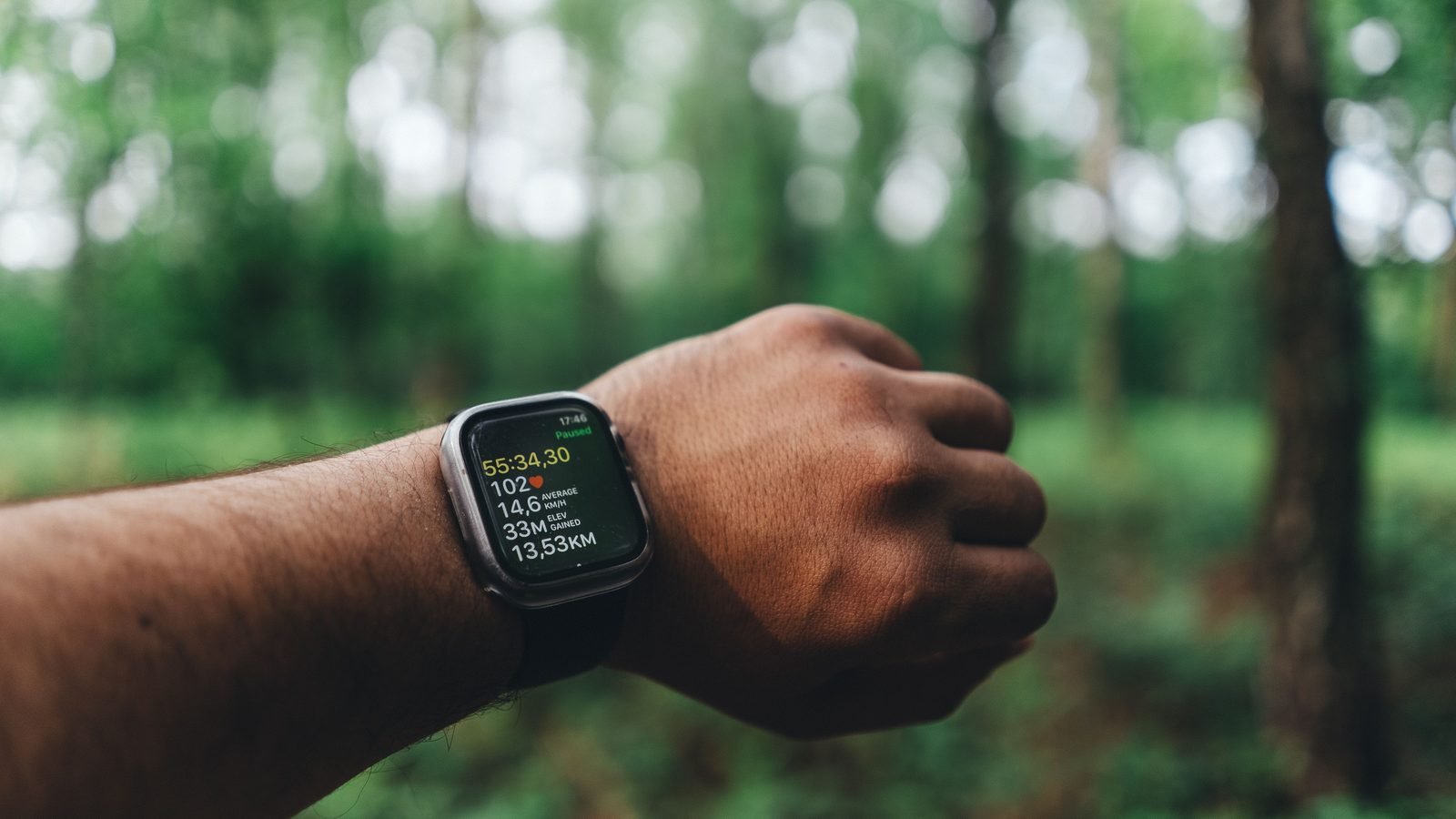
Quick answer: When your smartwatch heart rate jumps on an easy walk, the cause is usually the watch, not your heart. A loose strap, a cold wrist, lotion under the sensor or the watch locking onto your step rhythm can all push the number up. Wear it snug, a finger’s width above the wrist bone, warm up first and compare with a manual pulse check. If a high reading comes with chest pain, breathlessness or faintness, stop and get help.
Key takeaways
- Most smartwatch heart rate jumps on easy walks are sensor errors. Optical sensors read blood flow through light. Anything that lets the watch slide or lets light leak in can give wild numbers.
- Tighten the strap for workouts and loosen it afterwards. Apple and Garmin both advise a snug but comfortable fit.
- Cold mornings reduce blood flow in the wrist, so readings can be patchy for the first few minutes.
- A 15-second pulse check on your neck or wrist tells you quickly whether the spike is real.
In this article, you’ll learn:
- Why a smartwatch heart rate jumps during a calm walk
- How to tell a sensor glitch from a real high heart rate
- The strap fit that most watch makers recommend
- Winter and sweat problems, and how to fix them
- When the number is worth a doctor’s visit
Why Smartwatch Heart Rate Jumps on an Easy Walk
You’re strolling around the society at a gentle pace, chatting on the phone, and the watch shows 148 bpm. You don’t feel out of breath. So what’s going on?
Most watches measure heart rate with green LEDs and a light sensor on the back. Each heartbeat pushes a little more blood through the skin, and the sensor reads that change in light. It’s clever, but it’s fragile. The sensor needs steady skin contact and a clear signal.
When the watch moves around on your arm, the readings get noisy. Apple’s own heart rate support page says skin perfusion (how much blood flows through your skin) varies a lot from person to person and with the environment. It also lists tattoos and irregular movement as things that can affect the sensor. Apple even says that, under ideal conditions, the watch may not get a reliable reading every time for everybody.
So when your smartwatch heart rate jumps without any change in effort, start with the watch, not your heart.
The Step-Rhythm Glitch
Runners have a name for one common error: cadence lock. The sensor mistakes the rhythm of your arm swing and steps for your pulse. Since a brisk walk has a steady beat, the watch can latch onto it and report a heart rate that matches your step rate instead.
There’s a simple way to check:
- Count your steps for 15 seconds and multiply by 4.
- Look at the watch. If the heart rate is close to your step rate, suspect a lock.
- Stop, stand still for 20 seconds and check again. A real heart rate drops slowly. A glitch often snaps back to normal almost at once.
A slightly loose strap makes this much more likely, because each arm swing shifts the watch and lets light leak in.
Strap Fit: The Fix That Solves Most Spikes
Fit is the first thing both big watch brands talk about. Apple’s fit guidance asks for a band that’s snug but comfortable, with the back of the watch touching your skin. It suggests tightening the band for workouts and loosening it a bit afterwards. Garmin’s tips for erratic heart rate data say much the same: wear the watch above your wrist bone, snug but comfortable.
| Problem you see | Likely cause | What to try |
|---|---|---|
| Heart rate spikes as soon as you start walking fast | Watch sliding with each arm swing | Tighten one notch for the walk, loosen after |
| Number matches your step count | Step-rhythm lock | Move the watch higher up the forearm, tighten, restart the workout |
| Blank or patchy readings on cold mornings | Low blood flow in a cold wrist | Warm up indoors for 5 to 10 minutes first |
| Readings jump after applying cream | Lotion or sunscreen under the sensor | Wipe the wrist and sensor dry |
| Spikes only on one wrist | Tattoo or wrist bone in the way | Try the other arm, or a chest strap |
| Constant odd numbers on every walk | Scratched or dirty sensor | Clean the back with a soft cloth, check for scratches |
When smartwatch heart rate jumps happen with a dress strap on, the strap itself is a common culprit. Metal and leather bands look smart but often don’t hold the watch as firmly as a silicone or nylon sport band. If you wear a fancy strap to the office, keep a sport band for walks.
Don’t overdo it, though. A strap so tight that it leaves deep marks can cut blood flow and also make the reading worse. If your wrist itches or reddens under the band, our guide on smartwatch strap rash has fixes.
Winter Mornings, Sweat and Cream
November mornings make things harder. Apple’s support page says that in cold weather, blood flow in the wrist can drop low enough that the sensor can’t get a reading. Garmin’s manual suggests warming up for 5 to 10 minutes and getting a heart rate reading before you start, and warming up indoors in cold weather.
In practice, that means:
- Put the watch on 10 minutes before you head out, not at the gate.
- Do a few minutes of marching on the spot or arm circles indoors.
- Start the workout on the watch only when it shows a steady heart rate.
- Keep the watch under your jacket cuff, not over it, so the wrist stays warmer.
Sweat and products matter too. Garmin advises a clean, dry arm before you put the device on, and no sunscreen, lotion or insect repellent under it. Winter is moisturiser season for most of us, so this one catches a lot of people. Apply cream on the other wrist, or leave a clear patch where the watch sits.
Rinse the watch with plain water after sweaty workouts, as Garmin suggests, and dry it before putting it back on.
Is the High Number Real? A 60-Second Test
When your smartwatch heart rate jumps and you’re unsure, check by hand:
- Stop walking and stand still.
- Place two fingers on the side of your neck or the thumb side of your wrist.
- Count beats for 15 seconds and multiply by 4.
- Compare with the watch at the same moment.
If your count and the watch agree, the reading is real. If the watch says 150 and you count 96, it’s a sensor problem.
Context helps too. The American Heart Association says your maximum heart rate is roughly 220 minus your age. Moderate activity is about 50 to 70% of that, and vigorous activity about 70 to 85%. For a 40-year-old, that puts moderate at around 90 to 126 bpm. A brisk walk going over that isn’t automatically wrong, especially uphill or on stairs, but a gentle stroll reading 150 deserves a second look.
Our post on heart rate zones on your watch explains what each band means for fat loss walks.
When Smartwatch Heart Rate Jumps Need a Doctor
Sometimes a high reading is real. Pay attention to how you feel, not just the screen.
The NHS page on heart palpitations says to call emergency services if palpitations don’t go away, or come with chest pain, shortness of breath, or feeling faint or fainting. In India, that means calling 112 or going to the nearest emergency department. It advises seeing a GP if palpitations keep coming back, happen more often, or last longer than a few minutes, or if you have a known heart problem or a family history.
The AHA also notes that some medicines change your heart rate, and people with a heart condition should ask their doctor what range is right for them.
If your manual count keeps matching the watch at high numbers during easy effort, show the doctor your watch history. It isn’t a medical test, but it can help explain what you felt.
When a Chest Strap Makes Sense
If you’ve fixed the fit, warmed up and cleaned the sensor, and your smartwatch heart rate jumps still keep happening, a chest strap is the usual next step. Apple says you can pair Apple Watch with Bluetooth chest straps and other external heart rate monitors. Plenty of other sports watches support straps too, so check your watch’s manual before you buy one. A chest strap reads the heart’s electrical signal close to the heart, so arm swing affects it far less.
You don’t need one for casual walks. It’s worth it if you train by heart rate zones, have a tattoo over the sensor area, or your readings are wrong on nearly every walk.
Frequently Asked Questions About Smartwatch Heart Rate Jumps
Q: Why do smartwatch heart rate jumps happen when I start walking?
In the first few minutes, the watch is still finding a clean signal, especially on a cold wrist. Arm swing and a loose strap add noise. Warm up first and wait for a steady reading before starting the workout.
Q: Can a loose strap really change the heart rate number?
Yes. Watch makers ask for a snug fit because a sliding sensor lets light leak in and can pick up movement instead of pulse. Tightening one notch for the walk fixes many spikes.
Q: Should I wear my watch on my left or right wrist?
Either is fine for heart rate. Set the wrist correctly in the app. If one wrist has a tattoo or the watch keeps slipping, try the other.
Q: Is a reading of 150 bpm on a walk dangerous?
Not by itself. First check by hand. If your own count is also high on easy effort, or you feel chest pain, breathlessness or faintness, stop and get medical help.
Fix the Fit Before You Worry
Most of the time, smartwatch heart rate jumps on a walk come down to a strap that’s too loose, a cold wrist or cream under the sensor. Snug the band, warm up indoors and do a quick pulse check when a number looks odd. Save this post for your next morning walk, share it with the family member who keeps asking why their watch says 150, and follow our WhatsApp channel for more wearable fixes.
This article is for general information and isn’t medical advice.
1 thought on “Smartwatch Heart Rate Jumps While Walking? Check Strap Fit”
Comments are closed.